How it works
- 1
Give it a URL.
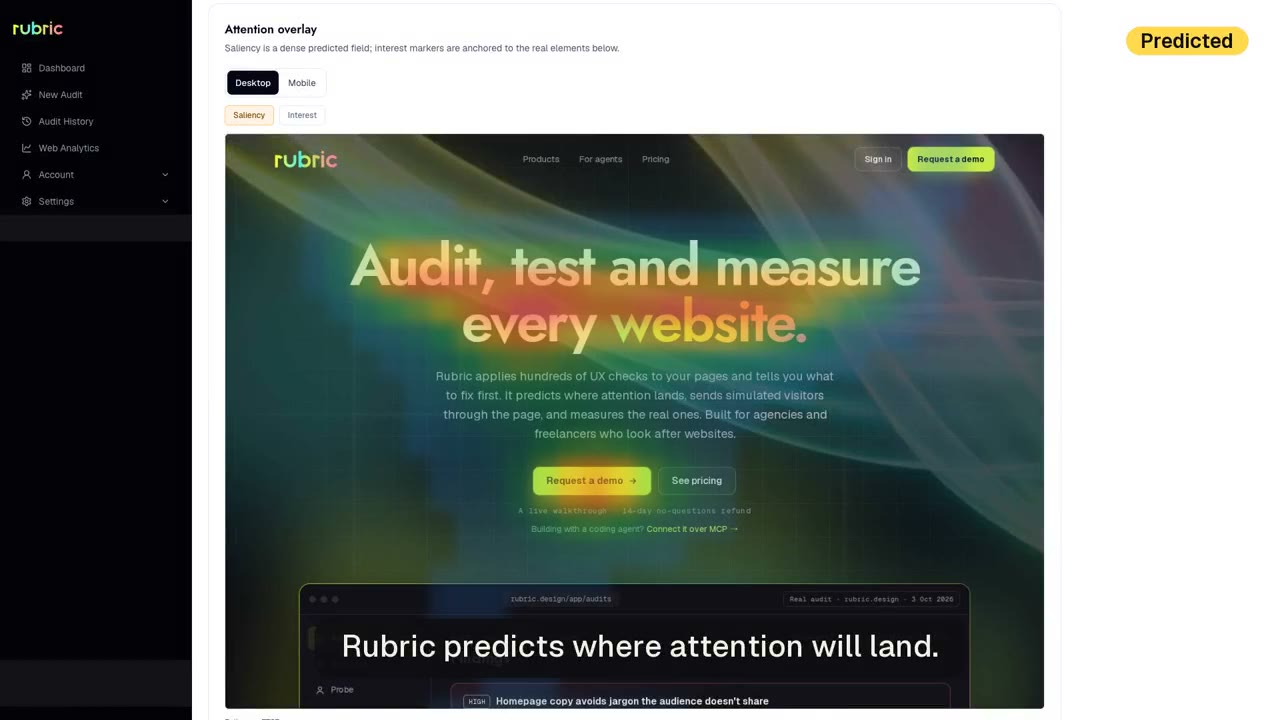
Rubric picks the pages that matter, up to seven.
- 2
Watch it work.
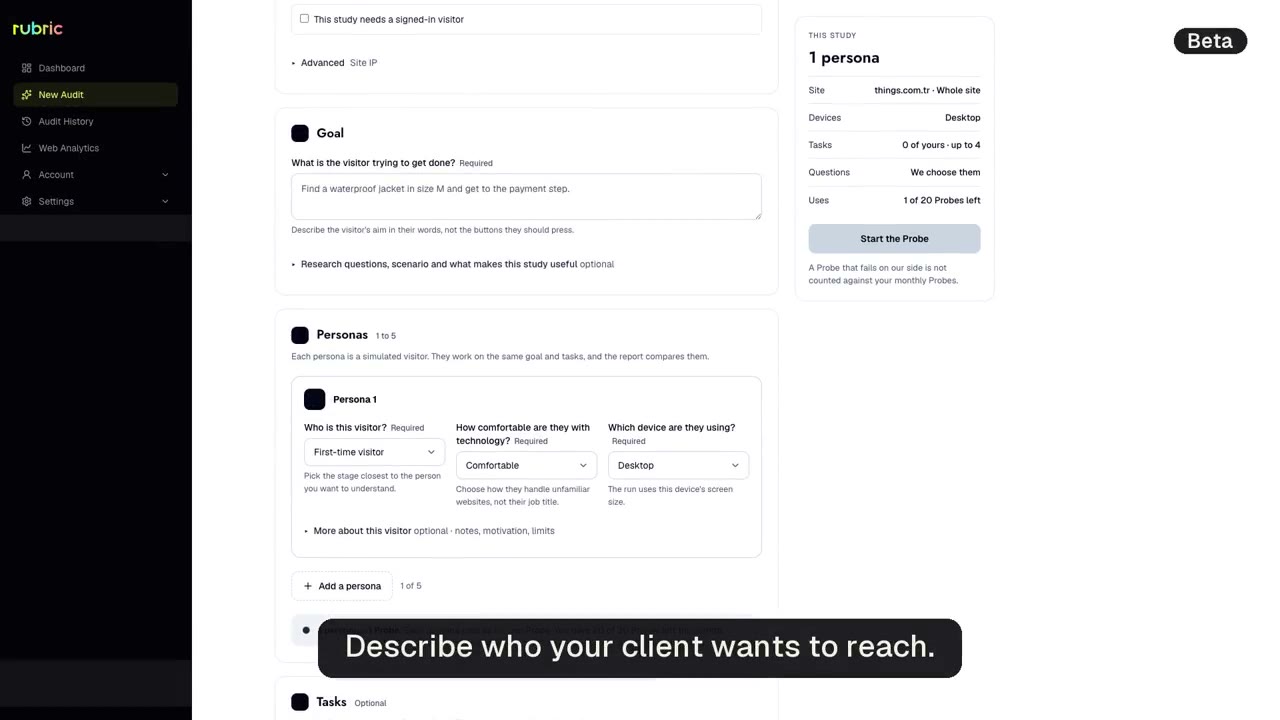
It opens each page, reads it and checks it against hundreds of UX checks, live on screen.
- 3
Get the report.
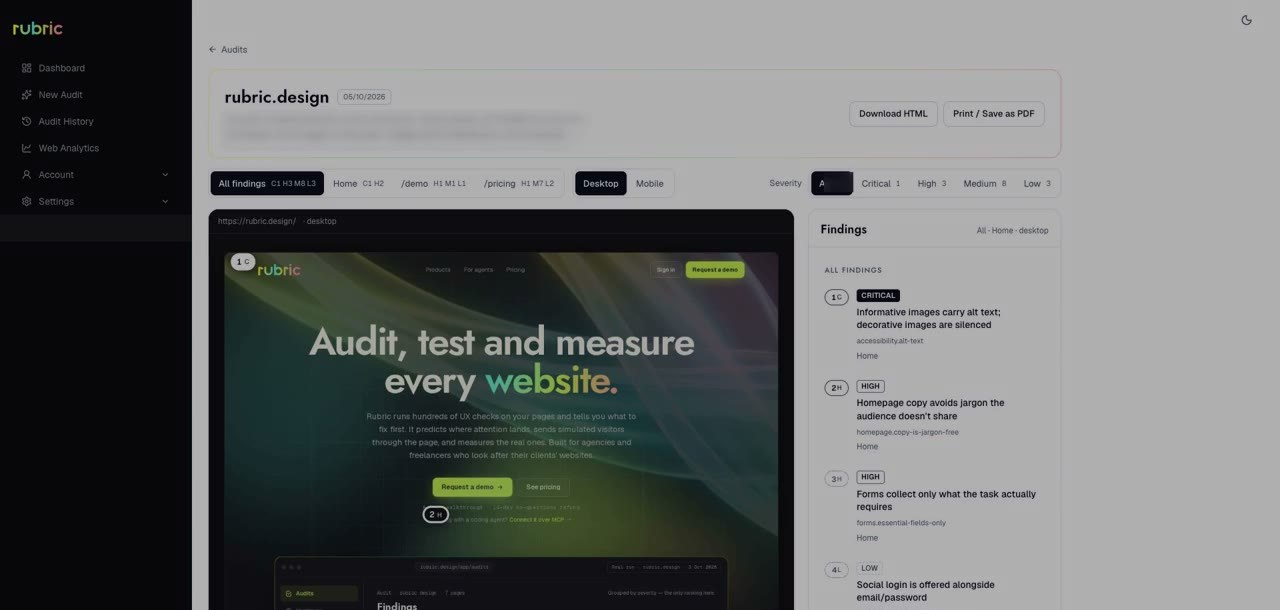
Findings come back by severity, critical to low.
What you get
Each finding has four parts: what's wrong, why it matters, what to change, and the research behind it. Download the report as HTML or PDF and hand it to your client.
Good to know
Pages behind a login?
You sign in yourself in the audit's browser. Nothing you type is stored.
Is there a score?
No. A score hides the one problem that breaks checkout behind ten small ones. Severity tells you what to fix first.
What language are reports in?
English.
Can I show it to a client?
Yes, once your team has read it. Rubric does the first pass; you make the call.
In your planBasic 5 audits a month, Pro 25.
See pricing →