Why test
- 1
Decide with evidence.
See which version real visitors respond to, instead of going with the loudest opinion in the room.
- 2
Try changes with less risk.
Only half your visitors see the new version until you know it works better.
- 3
Prove the fix worked.
Turn an audit finding into a test, and show your team or your client the result.
What you get
A clear answer: the new version did better, the original did, or the two are too close to call. You see it in plain words, with the numbers underneath.
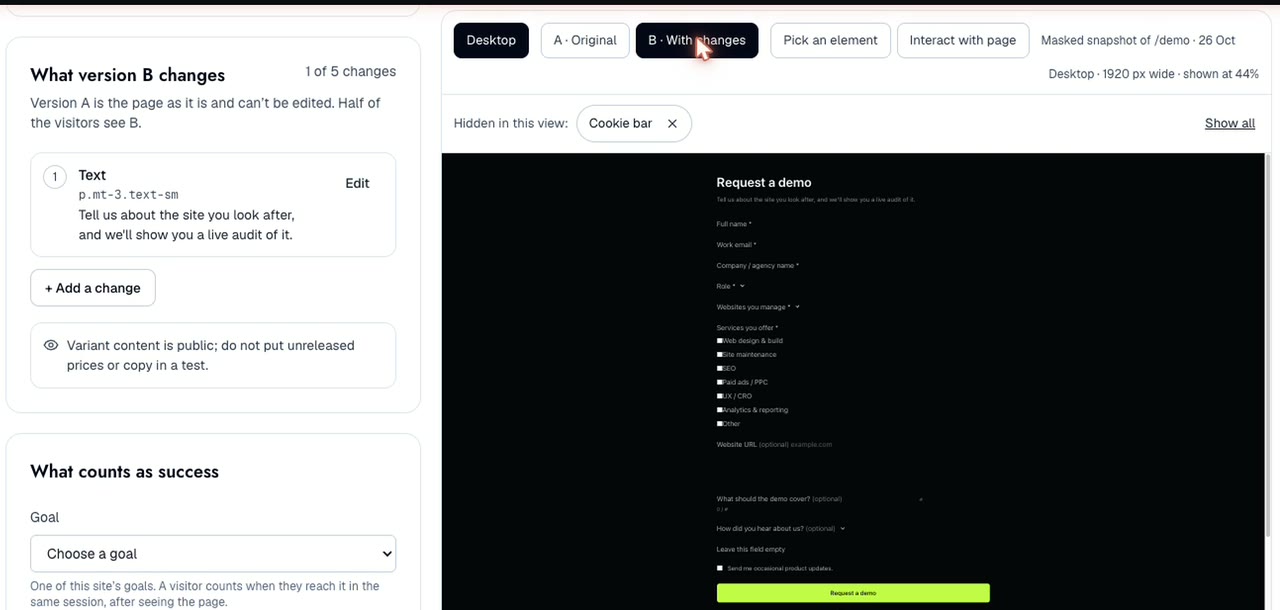
Start from any page on your site, or straight from an audit finding, and keep what your visitors prefer.
Good to know
What can I test?
Headlines, button text, intro copy, showing or hiding a section, colours and sizes, and where a link goes.
How long does a test take?
It depends on how many people visit the page. Rubric tells you before you start whether the page gets enough visitors for a clear answer.
Will my visitors notice?
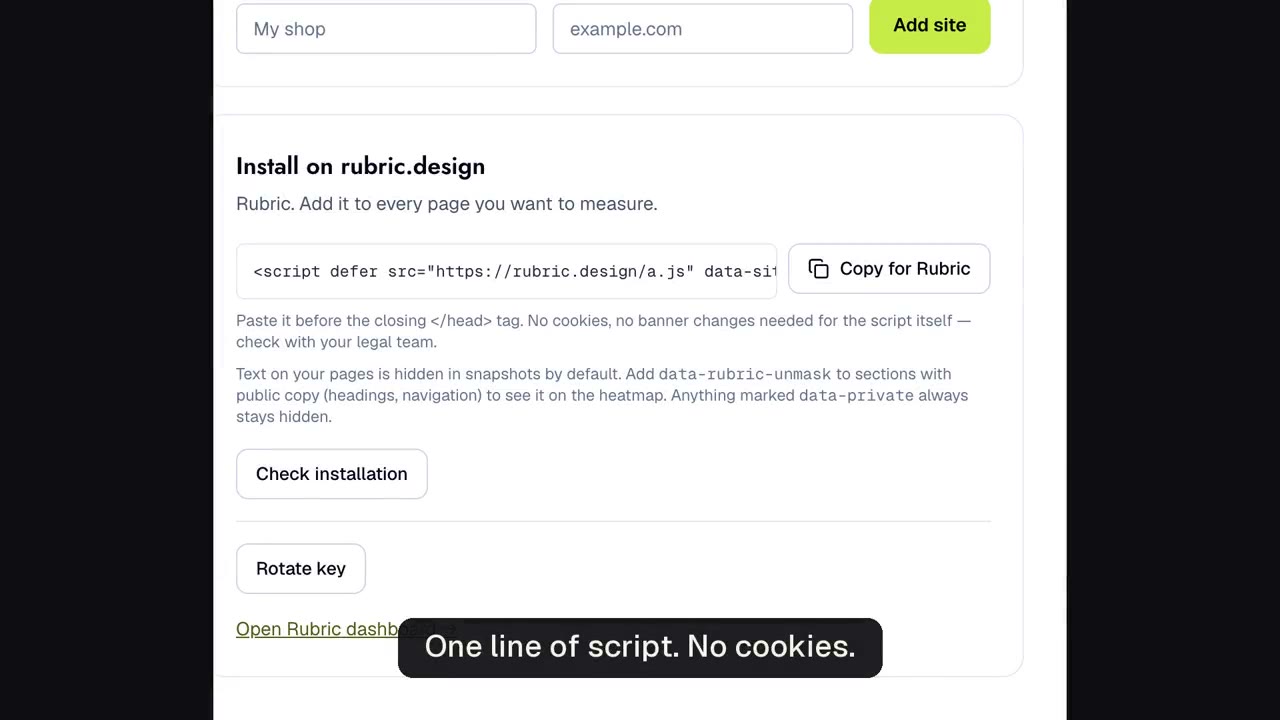
Each visitor sees one version and keeps seeing it for the rest of the day. The test sets no cookies.
Who decides what goes live?
Anyone on your team can prepare a test. Only an Owner can start one.
In your planIncluded with Analytics: Basic 1 running test, Pro 5.
See pricing →